
Cities Skylines PC
Design, build, and manage your dream metropolis with Cities Skylines PC. Enjoy mods, realistic simulation, and limitless creativity in this ultimate city-building game.
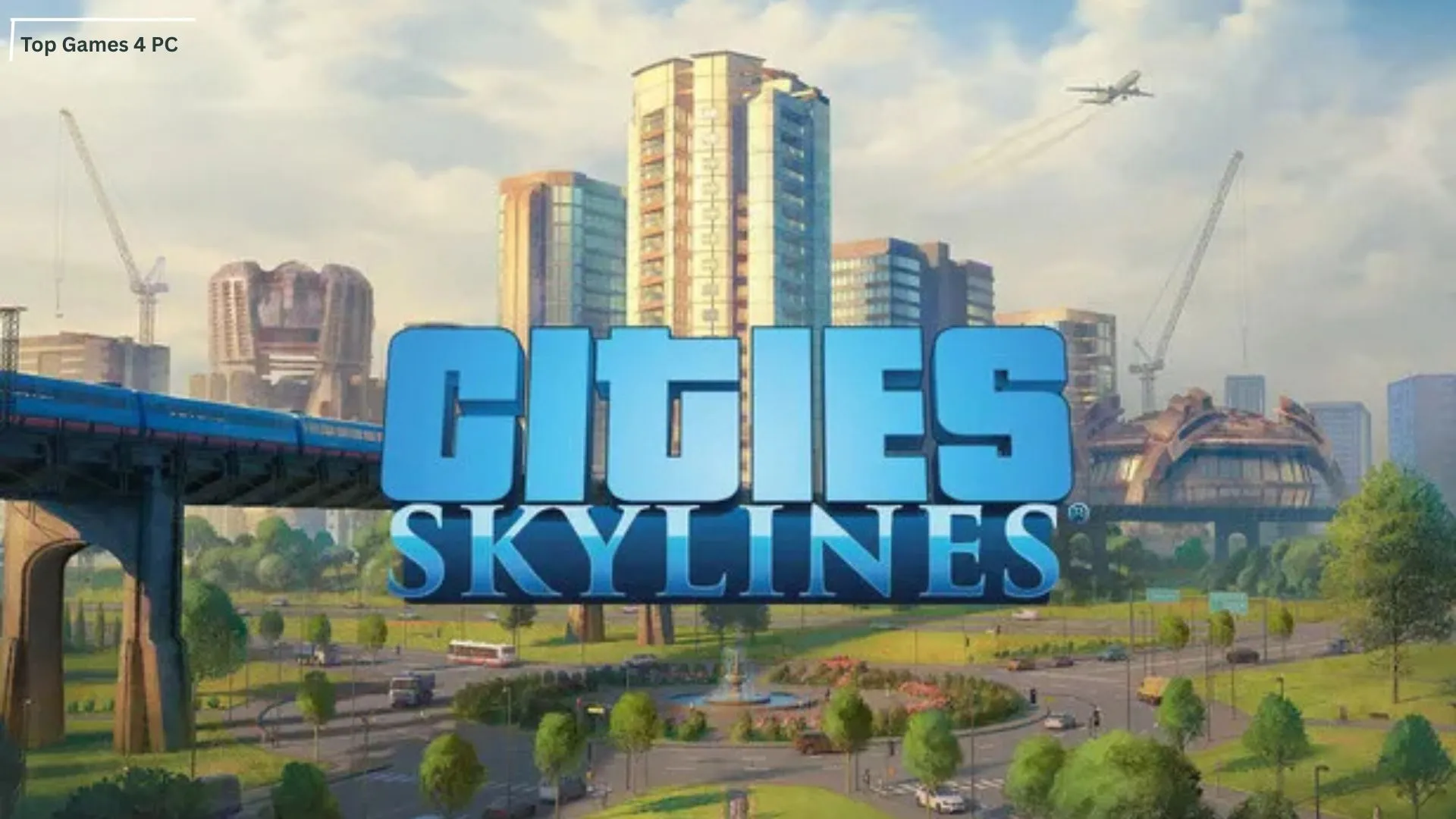
Cities Skylines PC stands tall as one of the most beloved city-building simulators of modern times. First released in 2015 by Colossal Order and published by Paradox Interactive, this game became the true spiritual successor to classics like SimCity. The PC version remains the definitive way to experience this title, thanks to its powerful customization tools, modding community, and sheer scale that thrives on computer hardware. For city-building enthusiasts, the PC edition offers unparalleled depth, control, and replayability.
One of the biggest reasons Cities Skylines on PC resonates so strongly with players is its sandbox design. Unlike many strategy games with linear goals, this city simulator hands you a blank canvas and lets your imagination drive the outcome. Whether you want to create a sprawling metropolis with a population in the millions or a quiet countryside town with cozy suburbs, the PC version allows limitless creativity. Players get full control over zoning, infrastructure, taxation, and even public policies, making it both challenging and rewarding.
Beyond gameplay mechanics, the cultural footprint of Cities Skylines PC is undeniable. The game exploded in popularity thanks to its vibrant modding scene, with thousands of user-created maps, buildings, and tools available on Steam Workshop. It has become a viral phenomenon among streamers, YouTubers, and urban planning communities worldwide. With over 12 million copies sold and countless mods downloaded, Cities Skylines has cemented its place as one of the most influential PC strategy titles of the last decade.

Key Features
The Cities Skylines PC version is packed with innovative mechanics and deep customization that makes it the definitive city-building experience. Below, we’ll explore its most important features in detail to help you understand what makes this game truly special.
1. Comprehensive City-Building Tools
Cities Skylines offers powerful building tools that let you design every aspect of your city. From zoning residential, commercial, and industrial areas to laying out complex road networks, you have full creative control. The intuitive interface ensures both beginners and experts can plan their dream metropolis.
2. Realistic Traffic Management
Unlike most city-building games, traffic in Cities Skylines is highly advanced. Every citizen has a destination, and poor road design can lead to gridlocks. On PC, players can solve traffic challenges with precision tools like roundabouts, highways, and custom intersections. Traffic management mods further enhance this realism.

3. Public Transportation Systems
Managing public transport is one of the game’s highlights. You can set up bus lines, subways, trains, ferries, and airports to connect your city seamlessly. Efficient public transport reduces congestion, boosts citizen happiness, and creates a more sustainable urban ecosystem.
4. Districts and Policies
Cities Skylines introduces a district-based system where you can assign unique characteristics and policies to different areas. Want a farming zone? Or a tech hub? You can create districts with specialized tax rules, industry focus, or eco-friendly laws, adding depth to your city’s identity.
5. Dynamic Day and Night Cycle
The PC version includes a full day-night cycle that influences gameplay. Traffic patterns shift, electricity consumption rises at night, and certain businesses thrive after dark. This feature adds realism and challenges city planners to adapt strategies based on time of day.
6. Expansive Modding Support
The PC edition is unmatched when it comes to mods. Through Steam Workshop, you gain access to thousands of community creations custom buildings, maps, UI tools, and even gameplay overhauls. This feature ensures limitless replayability, keeping the game fresh even years after release.
7. Advanced Economy and Budget Management
A city doesn’t thrive without proper finances. Cities Skylines provides a detailed economic system where you can set taxes, manage loans, and control spending. Balancing budgets while keeping citizens happy requires strategy, making the economic aspect just as engaging as the building.

8. Natural Disasters and Challenges
With expansions like Natural Disasters, players can face earthquakes, floods, and fires that test city resilience. These features force planners to create emergency services, evacuation routes, and robust infrastructure, adding excitement and unpredictability to the game.
9. Expansive Map Sizes and Growth Potential
The PC version allows cities to grow across multiple tiles, supporting populations in the millions. As your city expands, you can unlock new areas and infrastructure, creating a truly massive urban sprawl that feels alive.
10. Thriving Community and Cultural Impact
Beyond gameplay, Cities Skylines has a passionate global community. From YouTube city showcases to educational uses by urban planners, the game has shaped culture far beyond gaming. On PC, players benefit the most from this thriving ecosystem thanks to mods, guides, and creative sharing.
How to Download Cities Skylines on PC
- Click the Download button on this page to safely get the latest PC build.
- Choose your platform (Windows recommended; Mac/Linux may also be available if listed).
- When prompted, Save the file to an easy location (e.g., Downloads or Desktop).
- If the file is a .zip (or .rar), right-click it and select Extract All… to a new folder.
- Open the extracted folder and double-click
Cities Skylines.exeto launch. - If Windows SmartScreen appears, click More info → Run anyway (only proceed if you downloaded from the button on this page).
- Optional: right-click the .exe and choose Create shortcut to pin it to Start/Desktop.
- In Options/Settings, set fullscreen/windowed, audio levels, and keybinds (WASD/Arrows).
- For future updates, return to this page and click the Download button again, then replace your old game folder with the new one.
System Requirements
Here’s what your computer needs to run the game smoothly:
| Specification | Minimum Requirements | Recommended Requirements |
|---|---|---|
| OS | Windows 7/8/10 (64-bit) | Windows 10/11 (64-bit) |
| Processor | Intel Core 2 Duo 3.0 GHz | Intel i5/i7 or AMD Ryzen 5 |
| RAM | 4 GB | 8 GB or more |
| Graphics | NVIDIA GeForce GTX 260 / ATI Radeon HD 5670 | NVIDIA GTX 660 / AMD Radeon R9 270X |
| DirectX | Version 11 | Version 11 |
| Storage | 4 GB available space | 6 GB available space |
How to Play Cities Skylines on PC
Playing Cities Skylines PC is both an art and a science. When starting your first city, begin with the basics: zone residential areas to attract citizens, commercial zones for shops, and industrial zones for jobs. Make sure your city has electricity and water before expanding these are essential for survival. Plan your roads carefully, as traffic flow is the backbone of your city. A well-organized road network early on prevents congestion problems later. Keep an eye on your budget too; overspending on services too soon can bankrupt your city before it has a chance to thrive.
As your population grows, you’ll unlock advanced tools to make your city more efficient and livable. Introduce public transportation to reduce traffic, establish specialized districts for industry or farming, and use policies to shape your citizens’ lifestyles. On PC, mods can add even more depth, from custom buildings to traffic management tools, giving you endless possibilities. The key to success is balancing growth with sustainability expanding too quickly can overwhelm your resources, while slow development may frustrate your citizens. With patience, planning, and creativity, playing Cities Skylines on computer becomes an incredibly rewarding experience where every choice impacts the future of your metropolis.

Why Play Cities Skylines on PC?
The Cities Skylines PC version is widely regarded as the best way to experience this iconic city-building simulator. Playing on computer unlocks enhanced graphics, smoother performance, and the precision of keyboard and mouse controls perfect for designing complex road systems, zoning districts, and managing resources. Unlike console editions, the PC version allows you to build larger cities without performance constraints, making it ideal for players who want to push the game’s creative boundaries.
Another huge advantage of Cities Skylines on PC is the thriving modding community. With access to Steam Workshop, players can download thousands of mods, custom assets, and gameplay improvements that completely transform the experience. Add to that the benefits of a larger screen, multitasking options, and no battery limitations, and you’ll see why the PC edition remains the definitive platform. Whether you’re a casual gamer or an aspiring urban planner, the PC version offers unmatched freedom and depth.
FAQs
Conclusion
Cities Skylines PC is more than just a city-building game it’s a limitless sandbox of creativity, strategy, and problem-solving. From designing efficient road networks to balancing budgets and exploring the vibrant modding community, the PC version offers the most complete and customizable experience. Its combination of realism, freedom, and community-driven content makes it the ultimate choice for gamers who love to create, experiment, and manage. Whether you’re a casual player or a dedicated strategist, this game ensures endless replayability. Click the Download button on this page and start building the city of your dreams today!