
Baseball 9 PC
Play Baseball 9 on PC with HD graphics, smooth mouse controls, no ads, and offline gameplay. Build your dream team, pitch, hit, and win leagues on a bigger screen.
Baseball 9 PC brings fast-paced, realistic baseball gameplay to your computer, offering fans an energetic mix of arcade fun and true-to-life strategy. Developed by Playus Soft, this 3D sports video game became a mobile hit before making its way to PC, where it truly shines thanks to enhanced visuals, smoother controls, and a bigger, more immersive field view. Whether you love hitting home runs or striking out batters with perfectly timed pitches, Baseball 9 gives you complete control over every inning, every swing, and every strategy.
In Baseball 9, players can create and customize their own team, recruit players, and climb through competitive leagues. Each athlete has unique stats and skill attributes that can be improved over time, offering a fun mix of sports simulation and team management. You’ll need to master pitching types like fastballs and curveballs, time your swings perfectly, and make smart defensive moves to dominate opponents. The PC version enhances the experience with higher frame rates, crisp HD graphics, and precise mouse-and-keyboard controls that make every play feel more natural.
Beyond the standard matches, Baseball 9 includes season modes, tournaments, and challenges that reward players for consistent performance. Its offline play support makes it ideal for gaming on the go or without internet access. The mix of realistic baseball mechanics and colorful cartoon-style players makes it enjoyable for both casual and serious fans. Whether you’re reliving the thrill of America’s favorite pastime or just want a fun, fast baseball game on PC, Baseball 9 PC version delivers the perfect balance of skill, strategy, and excitement. Ready to hit the field? Scroll down to learn the best features, system requirements, and how to download Baseball 9 for PC safely.
Key Features
1. Fast-Paced, Realistic Baseball Experience
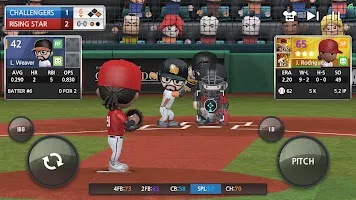
Baseball 9 PC delivers a unique blend of arcade-style gameplay and realistic baseball rules. Unlike slow, turn-based sports sims, this game is built for quick innings, fast pitching, dynamic batting, and smooth animations, making it perfect for both casual and hardcore players. The PC version enhances the experience with high-FPS gameplay and responsive mouse control.
2. Full Player Customization & Team Building
Every player on your roster can be named, styled, upgraded, and customized. You can edit faces, uniforms, batting stances, throwing style, and even equipment like bats, gloves, and shoes. As you progress, you can recruit stronger athletes, train rookies, and build your dream team.
3. Deep Stat & Skill Upgrade System
Each player has attributes such as Power, Speed, Fielding, Contact, Agility, and Pitch Control. By winning games, completing missions, and earning points, you can upgrade skills and unlock special abilities. This helps new players understand real baseball roles like power hitters, defensive players, and pitchers.
4. Multiple Leagues & Season Progression
Baseball 9 PC features a multi-league system where you start in the lower league and advance to higher divisions by winning matches and championships. Every season earns rewards, fans, coins, and new unlocks giving long-term replay value.
5. Manual and Auto Play Modes
New players can enjoy Auto Play to watch the game like a coach, while advanced players can switch to Manual Mode to pitch, bat, and field with full control. This makes the game perfect for both hands-on and hands-off players.
6. Advanced Pitching Mechanics
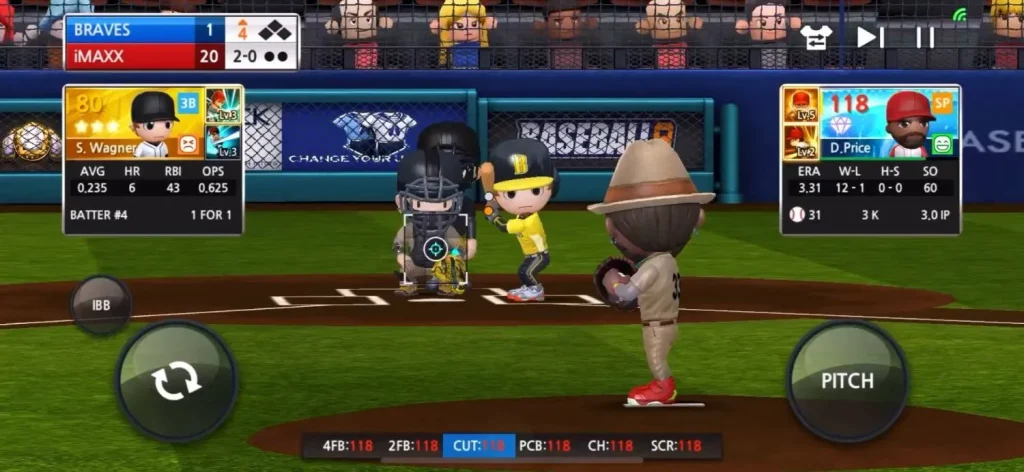
Pitching in Baseball 9 isn’t just “throw and hope.” You can choose from fastballs, sliders, curveballs, changeups, splitters, and breaking balls. Mastering pitch placement, timing, and stamina management is key to striking out batters.
7. Smart Batting System with Timing & Accuracy
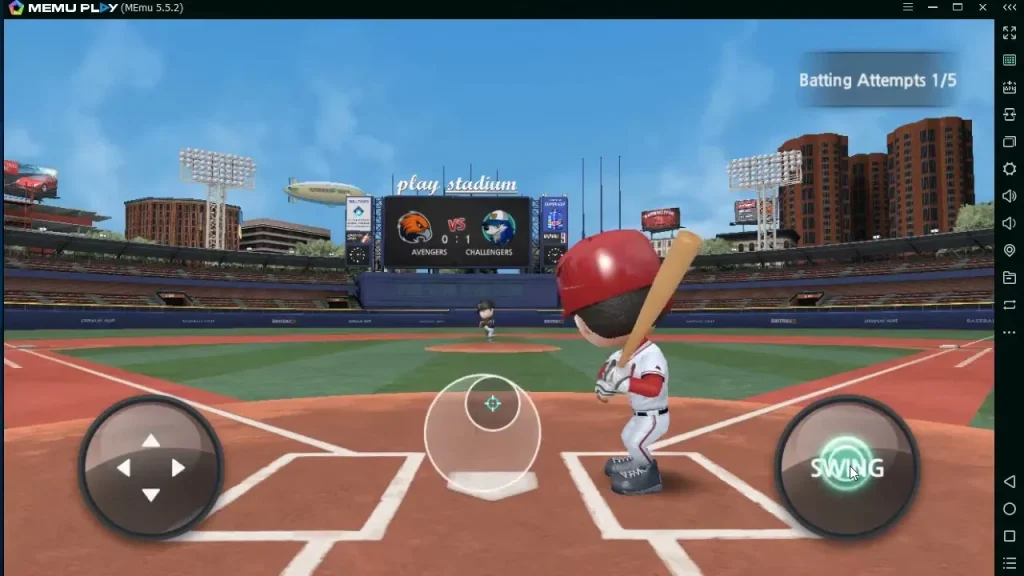
Batting requires good reaction time. You decide when to swing, where to aim, and how much power to use. With mouse aiming on PC, it’s easier to hit home runs, bunts, or base hits making batting more skill-based than random.
8. Cartoon-Style 3D Graphics with Real Sports Rules
Baseball 9 uses a fun, animated style, but every game follows real baseball rules including outs, innings, base running, double plays, and strikeouts. It’s educational for new players and nostalgic for baseball fans.
9. Offline Mode + No Pay-to-Win Requirement
Once downloaded, Baseball 9 can be played without Wi-Fi. Unlike many mobile sports games, there’s no forced ads or energy system, and you can win championships without spending money, as long as you upgrade smartly.
10. PC Optimization: Bigger Screen, Smoother Controls
The Baseball 9 PC version enhances gameplay with HD graphics, precise mouse aiming, keyboard shortcuts, and full-screen support. No battery drain, no overheating, and no touch controls just pure gameplay.
How to Download Baseball 9 on PC
- Click the Download button on this page to safely get the latest PC build.
- Choose your platform (Windows recommended; Mac/Linux may also be available if listed).
- When prompted, Save the file to an easy location (e.g., Downloads or Desktop).
- If the file is a .zip (or .rar), right-click it and select Extract All… to a new folder.
- Open the extracted folder and double-click
Baseball 9 PC.exeto launch. - If Windows SmartScreen appears, click More info → Run anyway (only proceed if you downloaded from the button on this page).
- Optional: right-click the .exe and choose Create shortcut to pin it to Start/Desktop.
- In Options/Settings, set fullscreen/windowed, audio levels, and keybinds (WASD/Arrows).
- For future updates, return to this page and click the Download button again, then replace your old game folder with the new one.
System Requirements
| Requirement | Minimum | Recommended |
|---|---|---|
| OS | Windows 7 / 8 / 10 / 11 | Windows 10 / 11 |
| Processor | Intel Core i3 | Intel Core i5 or higher |
| RAM | 4 GB | 8 GB |
| Graphics | Intel HD Graphics | GTX / Radeon GPU |
| Storage | 500 MB free space | 1 GB free space |
| Internet | Not required | Required for cloud sync |
How to Play Baseball 9 on PC
Playing Baseball 9 on PC is easy to learn and much more enjoyable thanks to the improved screen size and mouse controls. After launching the game, you can choose Manual Mode if you want full control over pitching, batting, and fielding, or use Auto Mode to let the AI handle gameplay while you manage strategy and upgrades. When batting, use your mouse to time the swing aim for timing and direction to hit line drives, home runs, or bunts. When pitching, select your pitch type (curveball, fastball, slider, etc.), aim with your cursor, and click to throw with accuracy and speed.
Fielding is partly automated unless you enable full manual mode, which lets you control runners and defense moves. You can also manage your team between games upgrade player stats, assign training, change batting order, swap pitchers, or buy new equipment. PC controls make menu navigation faster and gameplay more responsive, especially in clutch moments like stealing bases or striking out batters. The game also saves progress automatically, so you can pick up any time without losing your season or league data.
Why Play Baseball 9 on PC?
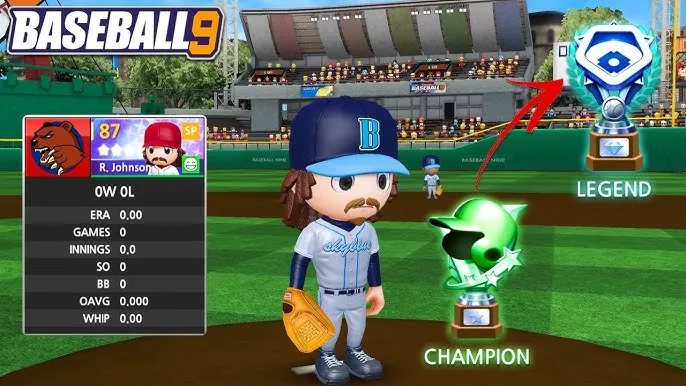
The Baseball 9 PC version gives players a far more comfortable and enhanced experience compared to mobile. With HD widescreen visuals, every hit, pitch, and animation looks sharper and easier to follow. Using a mouse makes aiming, pitching, and batting more precise than tapping on a small touchscreen. Plus, there’s no battery drain, overheating, or pop-up notifications, so you can play for hours without interruptions.
Another major benefit is multitasking you can stream music, browse guides, or chat with friends while playing, something mobile players can’t do. PC also supports cross-platform syncing, meaning you can continue your game on mobile when you’re away from your computer. If you want smoother gameplay, more comfort, and zero lag, the PC version is the best way to play Baseball 9.
FAQs
Conclusion
Baseball 9 PC offers the perfect mix of arcade fun and realistic baseball strategy, upgraded with HD visuals, smooth mouse controls, offline play, and full customization. Whether you’re pitching curveballs, hitting home runs, or managing your dream team, the PC version delivers the best gameplay experience no ads, no lag, no mobile limitations. Ready to step up to the plate? Click the Download Button above and start playing Baseball 9 on your computer today. Build your roster, win championships, and dominate every league the diamond is waiting.