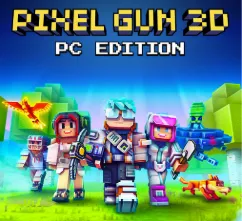
Pixel Gun 3D PC
Play Pixel Gun 3D PC for free! Enjoy enhanced graphics, smooth controls, and thrilling multiplayer battles on a bigger screen. Download now!
If you’re a fan of fast-paced first-person shooters (FPS) with a dash of creativity and fun, Pixel Gun 3D PC is your perfect match. Developed by Cubic Games, this title has captivated millions with its unique blend of blocky, Minecraft-style graphics and thrilling, action-packed gameplay. With over 100 million downloads worldwide, it’s one of the most popular multiplayer shooters available today.
Originally designed for mobile, Pixel Gun 3D on PC offers a whole new level of excitement. The PC version lets players enjoy smoother gameplay, sharper visuals, and precision controls using a keyboard and mouse making each match even more immersive. Whether you’re diving into a Battle Royale match or teaming up in Co-op Survival, the experience is sharper and more seamless than ever before.
This guide will walk you through everything you need to know about how to download Pixel Gun 3D for PC, its best features, gameplay tips, system requirements, and why you should make the switch from mobile to computer. Get ready to jump into the pixelated battlefield and dominate like never before!

Key Features
1. Thrilling Game Modes for Every Player
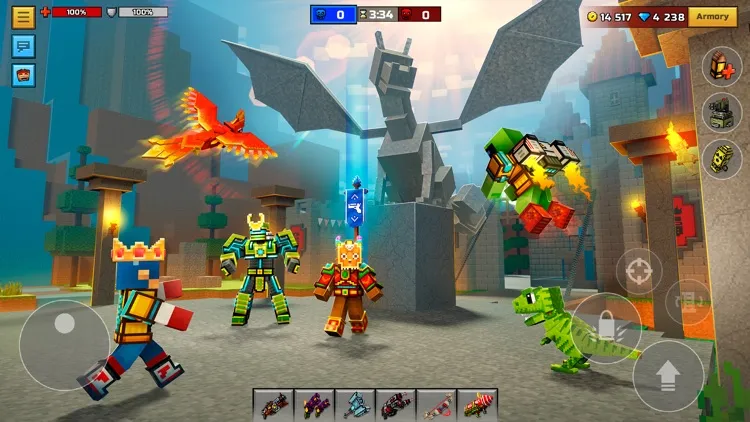
One of the standout aspects of Pixel Gun 3D PC is its wide range of gameplay modes. Players can dive into Battle Royale, test their reflexes in Deathmatch, defend bases in Co-op Survival, or enjoy objective-based modes like Capture the Flag. Each mode brings a unique challenge and rewards teamwork, skill, and strategy.
2. Expansive Weapon Arsenal
With over 800 weapons, the game ensures you’ll always have new ways to take down opponents. From futuristic laser rifles to medieval crossbows and melee weapons, every weapon offers different stats and tactical advantages. You can upgrade and customize them to fit your combat style, whether you’re a sniper, tank, or close-combat fighter.
3. Customizable Characters and Skins
Personalization is key in Pixel Gun 3D PC. Players can design and modify their characters using the Skin Editor to stand out in multiplayer lobbies. From armor to accessories, customization allows creative freedom, letting you express your personality and intimidate opponents with a unique look.
4. Engaging Multiplayer Battles
The core of Pixel Gun 3D on PC lies in its competitive multiplayer experience. Engage in real-time PvP matches with players from around the world. Thanks to PC hardware, the gameplay is smoother, connections are more stable, and reaction times are faster perfect for intense online battles.
5. Clan System and Tournaments
Teamwork takes center stage with the Clan System. Players can create or join clans, participate in Clan Wars, and earn exclusive rewards. Clans foster a sense of community and add depth to the competitive ecosystem with weekly tournaments and leaderboards to climb.
6. Stunning Blocky Graphics
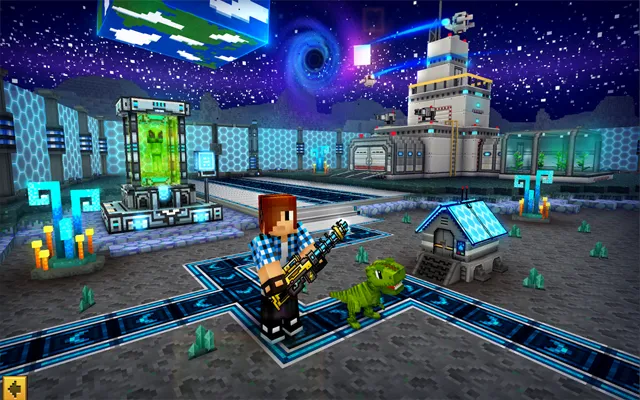
Inspired by Minecraft-style voxel graphics, the visual design of Pixel Gun 3D PC blends retro charm with modern effects. The PC version enhances this further, offering sharper resolutions, smoother frame rates, and vibrant environments that look stunning on large screens.
7. Single-Player Campaign Mode
For those who prefer solo adventures, the Campaign Mode offers a rich narrative experience. You’ll battle zombies, monsters, and evil bosses while uncovering the secrets of the pixelated universe. It’s perfect for sharpening your skills before jumping into multiplayer combat.
8. Regular Updates and Seasonal Events
Cubic Games continually supports the title with frequent updates, introducing new weapons, maps, and limited-time events. Special seasonal updates like Halloween or Christmas themes keep gameplay fresh and rewarding throughout the year.
9. Cross-Platform Syncing
Switch between mobile and PC effortlessly with cross-platform progress syncing. You can start a battle on your phone and continue it on your computer without losing achievements, skins, or currency a true gamer-friendly feature.
10. Optimized PC Controls and Performance
Finally, Pixel Gun 3D PC version offers superior control precision with keyboard and mouse support, delivering an edge over touchscreen players. Combined with smoother graphics, faster load times, and no battery worries, it’s the ultimate way to experience this fast-paced FPS.
How to Download Pixel Gun 3D on PC
- Click the Download button on this page to safely get the latest PC build.
- Choose your platform (Windows recommended; Mac/Linux may also be available if listed).
- When prompted, Save the file to an easy location (e.g., Downloads or Desktop).
- If the file is a .zip (or .rar), right-click it and select Extract All… to a new folder.
- Open the extracted folder and double-click
Pixel Gun 3D PC.exeto launch. - If Windows SmartScreen appears, click More info → Run anyway (only proceed if you downloaded from the button on this page).
- Optional: right-click the .exe and choose Create shortcut to pin it to Start/Desktop.
- In Options/Settings, set fullscreen/windowed, audio levels, and keybinds (WASD/Arrows).
- For future updates, return to this page and click the Download button again, then replace your old game folder with the new one.
System Requirements
| Specification | Minimum Requirements | Recommended Requirements |
|---|---|---|
| OS | Windows 7 / 8 / 10 / 11 (64-bit) | Windows 10 / 11 (64-bit) |
| Processor (CPU) | Intel Core i3 or equivalent | Intel Core i5 or higher |
| RAM | 4 GB | 8 GB or more |
| Graphics (GPU) | Intel HD Graphics 4000 | NVIDIA GeForce GTX 750 / AMD equivalent |
| Storage | 2 GB free space | 3 GB free space |
| Internet Connection | Required for multiplayer | Stable broadband recommended |
How to Play Pixel Gun 3D on PC
Once you’ve successfully installed the game, playing Pixel Gun 3D on PC is a seamless and exciting experience. The first thing you’ll notice is how smooth and responsive the controls feel with a keyboard and mouse setup. You can move using the WASD keys, aim with your mouse, and use quick hotkeys to switch weapons, reload, or jump during intense battles. This control precision is one of the biggest reasons players prefer the PC version it gives you better reaction time and greater command in multiplayer matches.
As you dive into the action, start by exploring the tutorial and campaign modes to master movement, aiming, and weapon handling. Once you’re comfortable, switch to online multiplayer modes like Battle Royale or Team Fight to test your skills against real opponents. You can join a clan, communicate via voice chat, and climb the leaderboards to prove your dominance. Playing on PC also means you can stream your gameplay, multitask easily, and enjoy high-definition graphics that elevate every match.
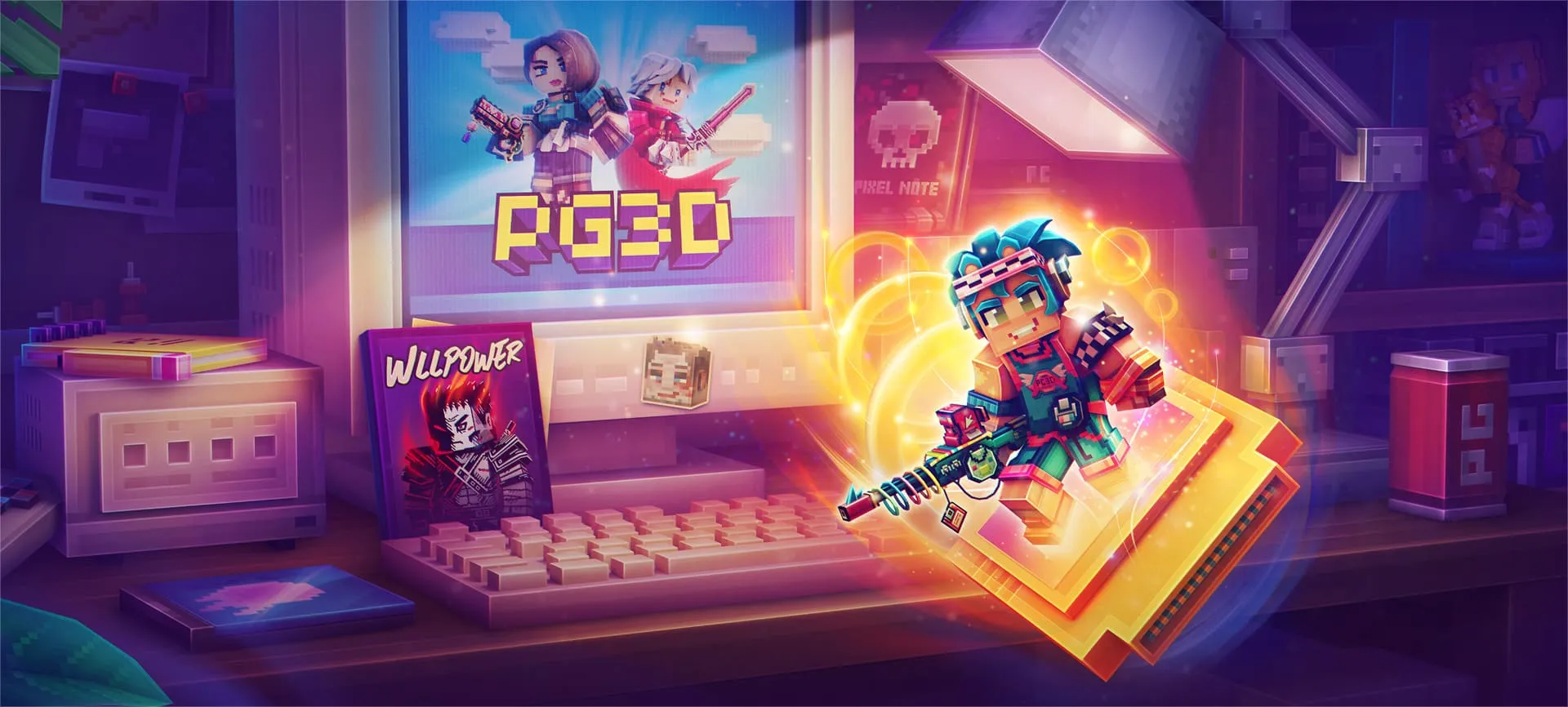
Why Play Pixel Gun 3D on PC?
There are several reasons why gamers love the Pixel Gun 3D PC version. The most obvious one is enhanced graphics the game looks sharper, runs faster, and delivers fluid animations compared to the mobile version. The keyboard and mouse controls offer pinpoint accuracy for aiming and smoother gameplay, making every battle feel more immersive and competitive.
Playing Pixel Gun 3D on computer also eliminates mobile limitations such as battery drain, overheating, or storage issues. Plus, you can enjoy the game on a larger screen with better visibility, especially during chaotic multiplayer fights. With cross-platform syncing, your progress, skins, and rewards remain intact whether you’re playing on mobile or PC. It’s simply the most comfortable, efficient, and visually stunning way to experience the game.
FAQs
Conclusion
Pixel Gun 3D PC brings the thrill of mobile FPS gaming to a whole new level with superior performance, visuals, and controls. Whether you’re a casual shooter fan or a competitive gamer, this version delivers everything you love minus the mobile limits. Enjoy cross-platform play, seamless syncing, and hours of exciting battles. Click the Download Button Now to get started and experience the ultimate Pixel Gun 3D PC version today!wnload button now and jump into the action your next epic battle awaits!