Minecraft PC
Download and play Minecraft PC – the ultimate sandbox game with endless building, survival, and multiplayer adventures. Start your journey today!
Minecraft PC is one of the most iconic sandbox games ever created, developed by Mojang Studios and later acquired by Microsoft. Since its release in 2011, it has become a global phenomenon, attracting millions of players worldwide who enjoy its unique blend of creativity, survival, and exploration. Whether you’re building massive structures, battling mobs, or surviving the wilderness, Minecraft PC offers endless gameplay possibilities.
One reason for Minecraft’s enduring popularity is its creative freedom. Unlike many games that limit players with strict objectives, Minecraft allows you to craft your own adventure. With multiple modes like Survival, Creative, and Adventure, you can choose whether you want to fight, build, or simply explore. Its blocky graphics may look simple, but they’ve become iconic, influencing countless games and communities around the world.
Playing Minecraft on PC is the ultimate way to experience the game. With enhanced graphics, smoother controls, and access to thousands of mods and servers, PC players enjoy the most versatile version of Minecraft. If you want to download Minecraft for PC and experience its endless adventures, this guide covers everything you need to know—from features and requirements to installation steps and gameplay tips.
Key Features
1. Creative Mode: Unlimited Possibilities
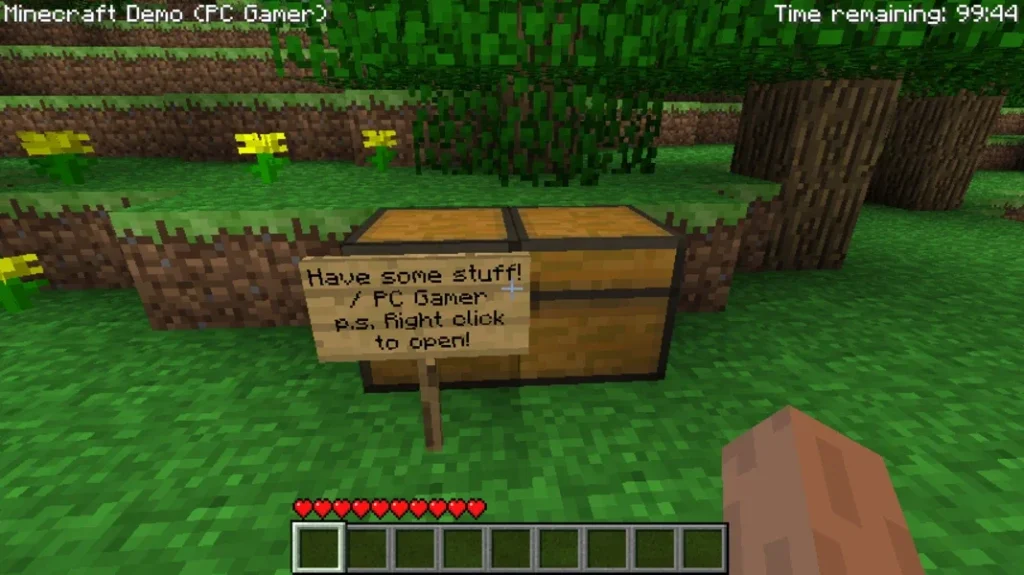
Creative Mode is perfect for players who want total freedom. Here, you have unlimited resources, the ability to fly, and no threats from enemies. This mode is ideal for experimenting with designs, practicing building techniques, or creating massive cities and landscapes without restrictions. Many beginners start here to understand the mechanics of crafting and building.
2. Survival Mode: The True Challenge
For players seeking excitement, Survival Mode is the core of Minecraft. You begin with nothing and must collect resources, craft tools, and survive against mobs like zombies, skeletons, and creepers. Hunger and health bars add realism, pushing you to farm food, mine ores, and build shelters. It’s the perfect mode for testing survival instincts.
3. Multiplayer Servers and Real-Time Play
Minecraft PC allows you to join multiplayer servers, where players worldwide connect to compete, collaborate, or roleplay. Servers introduce unique mini-games like SkyWars, BedWars, and Hunger Games. Whether you enjoy cooperative builds or competitive battles, multiplayer gameplay keeps the experience fresh and social.
4. Redstone Mechanics: The Power of Engineering
Redstone acts like the electricity of Minecraft, allowing players to create advanced contraptions. You can design automated doors, traps, elevators, and even functional computers. Mastering Redstone opens a world of engineering possibilities, making Minecraft not just a game but also a learning tool for logic and circuits.
5. Expansive Biomes and Exploration
The Minecraft world is divided into biomes, each with its own climate, animals, and terrain. From snowy tundras to lush jungles and fiery Nether realms, exploration feels endless. Players often set out on adventures to discover rare resources, temples, villages, and strongholds hidden across these diverse landscapes.
6. Modding Community for Java Edition
One of the strongest features of Minecraft PC is its mod support in the Java Edition. Mods enhance the game by adding new mobs, realistic graphics, extra dimensions, and countless gameplay mechanics. With mods, players can transform Minecraft into almost any type of game imaginable.
7. Regular Updates and Expansions
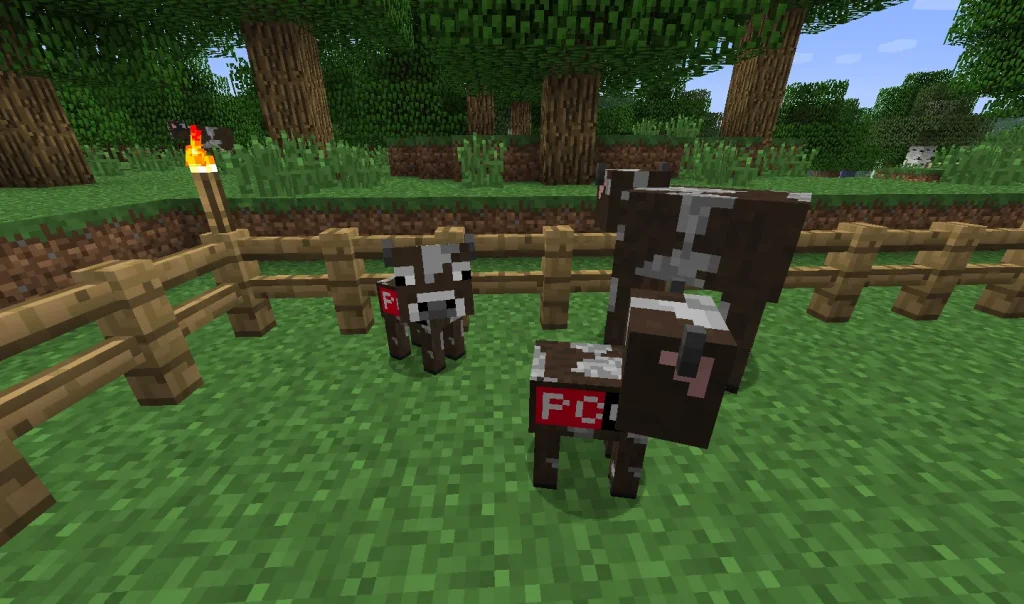
Minecraft stays alive thanks to consistent updates from Mojang Studios. Updates introduce new blocks, mobs, tools, and world changes, keeping gameplay fresh for both new and veteran players. Major updates like the Caves & Cliffs and Nether Update completely transform the game, ensuring it never grows stale.
8. Adventure Maps and Custom Worlds
Beyond the default world, players can explore custom adventure maps created by the community. These maps often include storylines, puzzles, and parkour challenges. They allow Minecraft to become more than a sandbox—it can feel like an RPG, puzzle game, or action platformer.
9. Resource Packs and Skins for Customization
Personalization is another highlight of Minecraft PC. With skins, you can change your character’s appearance, and with resource packs, you can alter the look and sound of the game. From realistic HD textures to cartoonish styles, customization lets you play Minecraft exactly the way you want.
10. Educational and Creative Learning Tool
Minecraft PC is widely used as an educational tool in schools and by individuals. It teaches creativity, problem-solving, teamwork, and even coding with Minecraft: Education Edition. Parents often encourage children to play Minecraft because it blends fun with learning, making it more than just entertainment.
How to Download Minecraft on PC
- Click the Download button on this page to safely get the latest PC build.
- Choose your platform (Windows recommended; Mac/Linux may also be available if listed).
- When prompted, Save the file to an easy location (e.g., Downloads or Desktop).
- If the file is a .zip (or .rar), right-click it and select Extract All… to a new folder.
- Open the extracted folder and double-click
Minecraft.exeto launch. - If Windows SmartScreen appears, click More info → Run anyway (only proceed if you downloaded from the button on this page).
- Optional: right-click the .exe and choose Create shortcut to pin it to Start/Desktop.
- In Options/Settings, set fullscreen/windowed, audio levels, and keybinds (WASD/Arrows).
- For future updates, return to this page and click the Download button again, then replace your old game folder with the new one.
✅ Tip: Use the safe download button on this page to ensure a secure installation.
System Requirements
Here’s a quick breakdown of the minimum and recommended PC requirements:
| Component | Minimum Requirements | Recommended Requirements |
|---|---|---|
| OS | Windows 10, Windows 11, macOS, Linux | Windows 10/11 (64-bit) |
| Processor | Intel Core i3 or AMD equivalent | Intel Core i5 / AMD Ryzen 5 |
| RAM | 4 GB | 8 GB or higher |
| Graphics | Intel HD Graphics 4000 or AMD equivalent | NVIDIA GeForce GTX 1650 / AMD RX 570 |
| Storage | At least 2 GB free space | SSD with 4 GB free space |
| Internet | Required for updates and multiplayer | Broadband connection for servers |
How to Play Minecraft on PC
Playing Minecraft on computer is straightforward, but new players should understand the basics. Start by choosing a game mode—Creative for unlimited resources, Survival for challenges, or Adventure for map-based quests. Once in the world, gather resources by punching trees, mining blocks, and crafting essential tools.
Use the keyboard for movement (WASD keys) and the mouse for building, breaking blocks, and combat. The crafting system lets you build weapons, armor, and complex machines. Whether you’re exploring caves or fighting the Ender Dragon, Minecraft PC offers countless hours of engaging gameplay.
Why Play Minecraft on PC?
There are many reasons why the PC version is the best way to enjoy Minecraft. First, enhanced graphics and performance make the game smoother compared to consoles or mobile devices. Second, PC controls with a keyboard and mouse offer precision in building and combat.
Additionally, you don’t have to worry about battery drain like mobile devices, and cross-platform syncing ensures you can continue progress across devices. For anyone serious about exploring the Minecraft universe, Minecraft PC version is the ultimate choice.
FAQs
Conclusion
Minecraft PC continues to be the ultimate sandbox game for players worldwide. With its endless creativity, challenging survival mode, and thriving multiplayer community, the PC version delivers the best experience. From mods and servers to smooth controls and performance, Minecraft PC is the go-to choice for gamers.