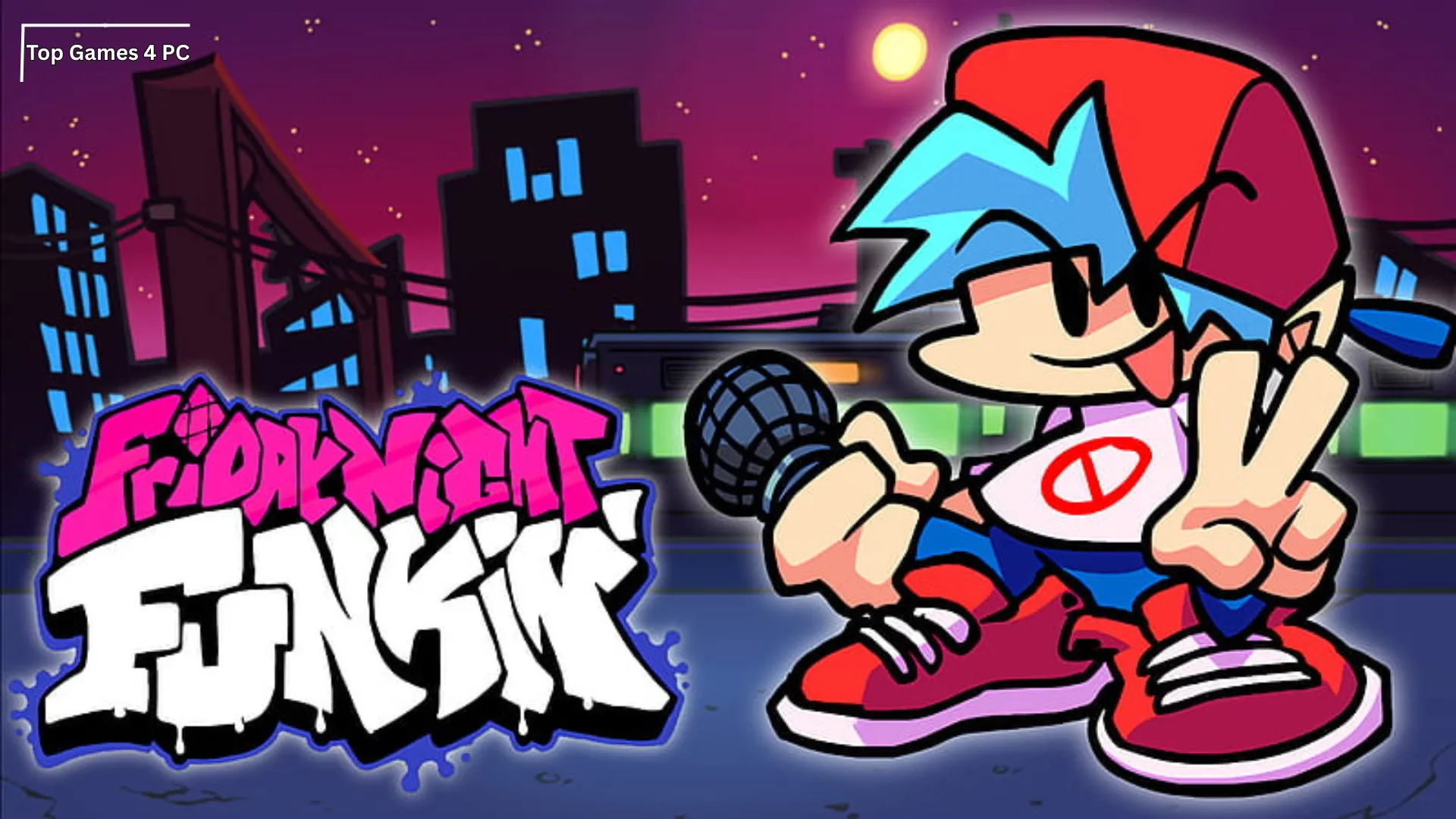

Friday Night Funkin’ PC
Friday Night Funkin’ PC challenges players with fast-paced musical battles, catchy beats, quirky characters, and addictive rhythm-based gameplay fun.
Friday Night Funkin’ exploded from a game jam prototype into a cultural phenomenon, racking up millions of plays across Newgrounds and itch.io while inspiring an enormous modding scene. It’s a punchy, cartoon-styled rhythm showdown where you—playing as Boyfriend—must out-sing a parade of colorful rivals to win the heart of Girlfriend. If you’ve heard the catchy tracks by Kawai Sprite or seen those week boss battles on social feeds, you already know why so many players want a smooth Friday Night Funkin’ PC experience.
Developed by Ninjamuffin99 with animation by PhantomArcade and evilsk8r, the game blends old-school Flash sensibilities with modern responsiveness. Each “Week” features themed songs, unique opponents, and escalating difficulty that tests timing, pattern recognition, and cool nerves. On computer, it shines: crisp input, high frame rates, and a bigger display make reading arrows and landing perfect notes more intuitive—especially on Hard.
Below, you’ll find everything to get started—features, system requirements, a simple download guide, and tips to improve quickly. When you’re ready, hit the Download button on this page to grab the latest build and start your first week of rap battles. Whether you’re here to speedrun, mod, or just vibe to the soundtrack, you’re in the right place.

Key Features
1) Snappy, Skill-Based Rhythm Battles
At its core, FNF is a reaction and rhythm test: match the scrolling arrows to the beat to maintain health and push opponents back. Tight input windows reward precision with higher scores and satisfying “Sick” judgments.
2) Week-Based Campaign With Iconic Rivals
From Daddy Dearest to Tankman, each Week delivers a miniature boss rush with distinct patterns, taunts, and banger tracks. The story is lighthearted, but the duels escalate fast—perfect for short, replayable sessions.
3) Freeplay Mode for Instant Practice
No need to run full Weeks every time. Jump into Freeplay to drill specific tracks, find tricky patterns, and improve consistency without cutscenes or dialog.

4) Multiple Difficulties (Easy/Normal/Hard)
Difficulty changes arrow density, speed, and patterns. Start on Easy, move to Normal as muscle memory forms, then tackle Hard for the real test. Because songs are short, progress feels immediate.
5) Controller and Keyboard Support
While many prefer keyboard (WASD/arrow keys), FNF also plays nicely with gamepads. Experiment to find what produces your best accuracy and least fatigue over multiple runs.
6) Modding & Custom Charts
The community is massive. Expect mods with new songs, characters, art overhauls, and mechanics. Many releases include custom charts that stay faithful to musical phrasing, so you always feel the beat while learning fresh patterns.
7) Original Soundtrack by Kawai Sprite
The soundtrack is the soul of FNF—groovy basslines, playful melodies, and tempo changes that tell a story without words. Even when you miss a note, the music keeps you locked in.
8) Low-Spec Friendly Performance
Built to run on modest hardware, FNF loads quickly and uses little disk space. Even integrated graphics can push smooth frame rates, making it a perfect pick-up-and-play PC rhythm game.
9) Quick Restart & Short Sessions
Miss early? Tap restart and you’re back in the groove in seconds. Sessions are snack-sized but addictive, ideal for study breaks or short gaming windows.
10) Open-Source Roots & Active Community
With builds available via GitHub, FNF’s open nature encourages experiments like Kade Engine tweaks, UI improvements, input fixes, and accessibility options. Community feedback frequently shapes what players use day-to-day.

How to Download Friday Night Funkin’ on PC
- Click the Download button on this page to safely get the latest PC build.
- Choose your platform (Windows recommended; Mac/Linux may also be available if listed).
- When prompted, Save the file to an easy location (e.g., Downloads or Desktop).
- If the file is a .zip (or .rar), right-click it and select Extract All… to a new folder.
- Open the extracted folder and double-click
FridayNightFunkin.exeto launch. - If Windows SmartScreen appears, click More info → Run anyway (only proceed if you downloaded from the button on this page).
- Optional: right-click the .exe and choose Create shortcut to pin it to Start/Desktop.
- In Options/Settings, set fullscreen/windowed, audio levels, and keybinds (WASD/Arrows).
- For future updates, return to this page and click the Download button again, then replace your old game folder with the new one.
System Requirements
These are lightweight, suggested specs for a smooth experience. The game runs on many older systems too.
| Component | Minimum (Playable) | Recommended (Smoother) |
|---|---|---|
| OS | Windows 7/8/10/11 (64-bit) | Windows 10/11 (64-bit) |
| CPU | Dual-core @ 2.0 GHz (e.g., Core 2 Duo) | Intel i3 / AMD Ryzen 3 or better |
| RAM | 2 GB | 4 GB+ |
| GPU | Integrated graphics (Intel HD) | Any modern iGPU/dGPU |
| Storage | 500 MB free space | 1 GB free space |
| DirectX | 10/11 | 11/12 |
| Input | Keyboard or controller | Keyboard or controller |
| Display | 720p | 1080p (60 FPS) |
How to Play Friday Night Funkin’ on PC
FNF is all about hitting the right arrows at the right time. Your targets scroll from the bottom to the receptor arrows at the top; press Left/Down/Up/Right (or A/S/W/D) as the notes overlap. Land notes on-time to keep the health bar from tilting toward your opponent. Strings of accurate hits raise your combo and score; misses and late presses drain health. In Story Mode, each Week includes several tracks, and you must survive them in sequence.
For improvement: start with Tutorial and Easy, then graduate to Normal once you’re consistently scoring “Good” and “Sick.” Use Freeplay to loop difficult songs, gradually increasing speed and difficulty. Keep hands relaxed, sit at a comfortable distance so the arrows are easy to read, and focus on hearing the rhythm, not just watching. Many players count in their heads, follow percussion cues, and practice small sections until patterns “click.”

Why Play Friday Night Funkin’ on PC?
Bigger screens make arrow lanes easier to read; PC hardware provides smoother frame pacing and sharper visuals. Keyboard or gamepad input is snappy, helping you maintain accuracy on dense charts without touchscreen drift.
Playing on computer also means no battery anxiety, better multitasking (music players, voice chat, streaming software), and access to mods and community engines like Kade Engine. With cloud storage or manual backups, you can keep progress synced across devices and quickly swap builds as updates land.
FAQs
Conclusion
With punchy tracks, expressive characters, and quick-restart gameplay, Friday Night Funkin’ is a perfect rhythm fix on desktop. You’ve got the features, requirements, download steps, and practice tips—now it’s your turn to take the stage. Hit the Download button above to get the Friday Night Funkin’ PC build, warm up with the Tutorial, and start stacking Sicks like a pro. Happy battling!