Tap Away PC
Play Tap Away on PC for smoother 3D puzzles, ad-free gameplay, mouse precision, and fullscreen visuals. Rotate, tap, and clear blocks with zero interruptions.
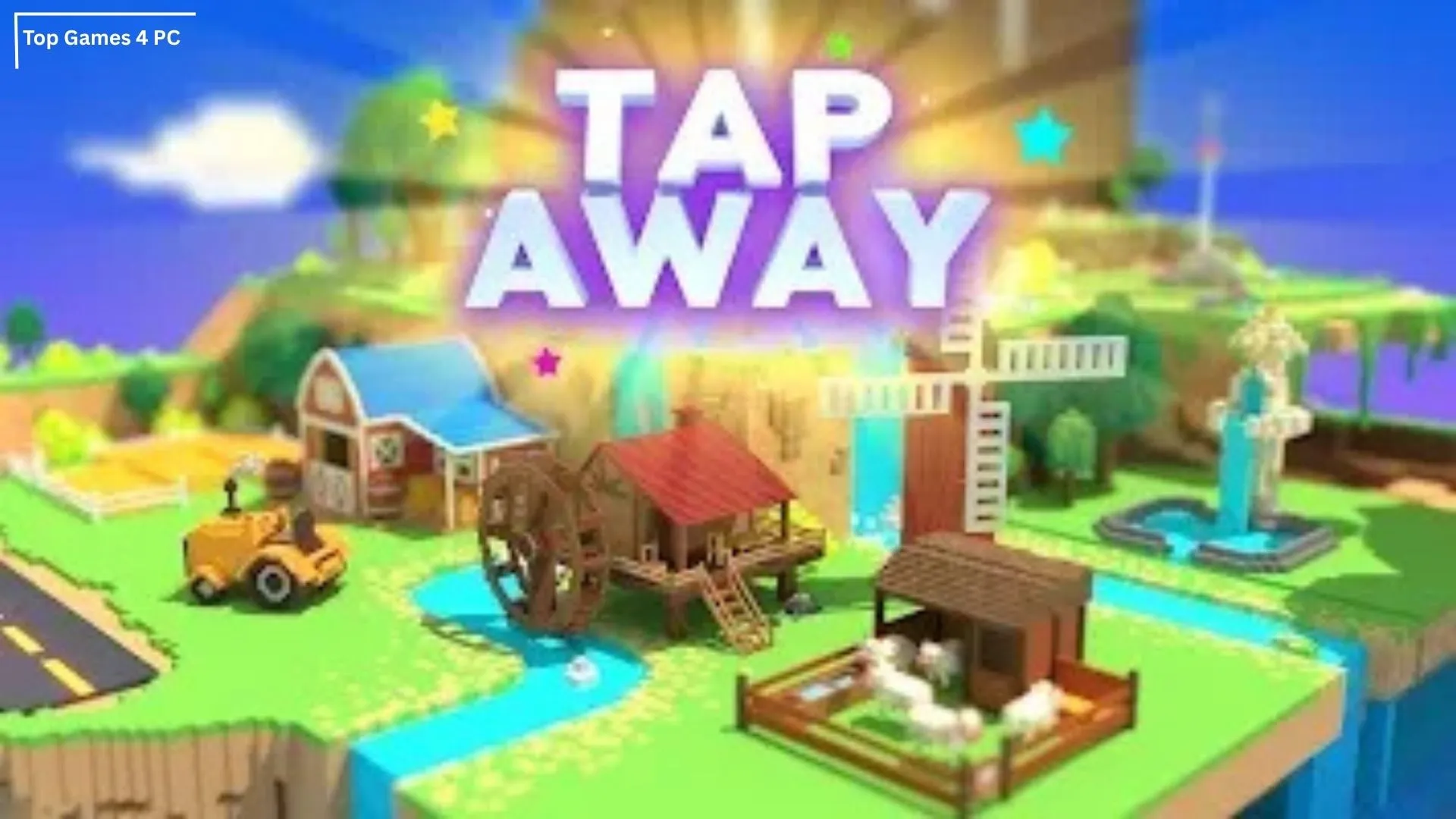
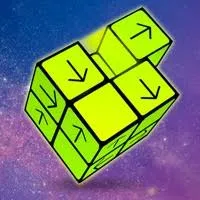
Tap Away PC is the desktop adaptation of the viral 3D block puzzle game that has already crossed 100 million downloads worldwide on mobile. Developed by Popcore Games, the title became an instant hit for its simple concept, calming gameplay style, and addictive “just one more level” appeal. The PC version brings the same satisfying experience to a bigger screen, giving players full mouse control, higher visual clarity, and zero mobile interruptions like ads, notifications, or battery drain. Whether you’re a casual gamer or a puzzle-lover who enjoys smart logic challenges, Tap Away on PC is designed to keep your brain active and relaxed at the same time.
The idea behind the game is deceptively simple: rotate a 3D block structure and tap pieces to remove them but only if they can slide out freely. As levels increase, the block shapes get larger, more complex, and require smarter rotations, predicting angles, and solving in the right sequence. What starts as a relaxing casual puzzle soon turns into a mind-twisting 3D strategy challenge. The Tap Away PC version enhances the experience with smooth drag controls, fullscreen mode, and more precision than touchscreen tapping.
Today, Tap Away is ranked among the top brain puzzle games globally because it appeals to all ages kids, adults, and even seniors. It’s a perfect stress-relief game, a great way to sharpen logic skills, and an ideal time-killer when you want something fun but not overwhelming. If you’ve only played it on your phone, the PC version feels like a completely fresh upgrade. Scroll below to learn how to download Tap Away for PC, check the system requirements, explore its best features, and start playing instantly using the download button on this page.
Key Features
1. Addictive 3D Block Removal Puzzle Mechanics
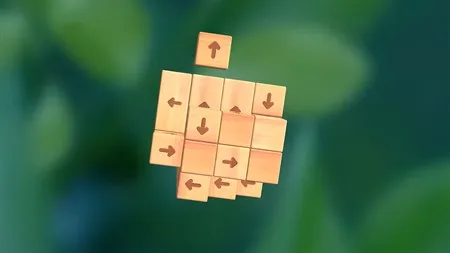
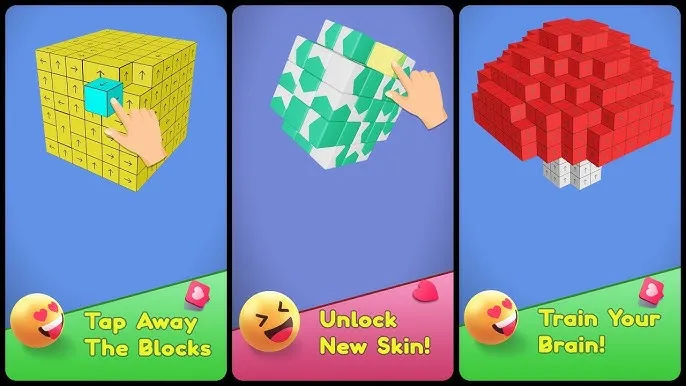
Tap Away PC stands out from flat 2D puzzles by offering fully rotatable 3D structures made of blocks that must be removed in the correct order. Each block has an arrow indicating the direction it will slide out. Your job is to rotate the structure, find the correct angle, and tap blocks that aren’t blocked by others. While it looks simple at first, the game quickly becomes a brain-twisting challenge that demands logic, observation, and spatial awareness.
2. Smooth Mouse-Based PC Controls for Accuracy
Unlike mobile swipes that can feel imprecise, the Tap Away PC version uses mouse clicks and scroll rotation, allowing more control while examining complex block clusters. You rotate the puzzle with drag motions, zoom for a closer look, and click to remove blocks without accidental taps. This turns the game into a more relaxing and strategic experience, especially on larger screens.
3. Hundreds of Levels with Progressive Difficulty
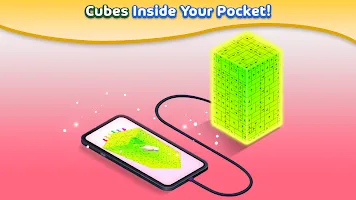
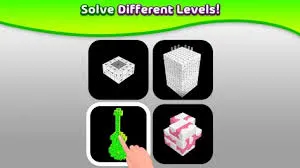
Tap Away PC is designed to be endless. Levels start with small, easy 2×2 cubes but gradually evolve into massive multi-layer towers and spiral blocks. Each level introduces new shapes, block arrangements, and more complicated exit paths. This keeps the gameplay fresh, challenging, and mentally stimulating for players of all ages kids, adults, and seniors alike.
4. 360° Rotation View for Full Puzzle Control
One of the game’s most satisfying features is the ability to rotate puzzles freely. You can view block clusters from every angle, zoom in, zoom out, and find hidden exits. This feature trains the brain to think in 3D space a skill useful in strategy games, architecture, and real-world problem-solving.
5. Reward System with Skins and Visual Themes
To keep things visually engaging, Tap Away includes unlockable cube designs, colors, animation skins, and special effects. These cosmetic upgrades don’t affect gameplay but make the overall experience more fun and personal. PC players get to enjoy these in fullscreen resolution with crisp details.
6. No Timer, No Stress — Pure Logic Gameplay
There are no countdowns, penalties, time limits, or score pressure. Tap Away is meant to be a calm puzzle experience where you can play at your own pace, unwind after work, or challenge your brain without urgency. The lack of timers makes it ideal for both relaxation and long thinking sessions.
7. Daily Challenges & Bonus Rewards
Besides normal levels, the game includes daily puzzle challenges that offer extra coins, skins, or premium unlocks. These mini-levels are short but harder than usual great for quick brain warm-ups every morning.
8. Offline Play Support No Internet Required
Unlike many puzzle games, Tap Away can be played completely offline. Once installed, it doesn’t need Wi-Fi or mobile data to run. Whether you’re traveling, sitting in a quiet space, or conserving internet, the game works anytime, anywhere.
9. Lightweight, Lag-Free, and PC Optimized
Tap Away PC is extremely lightweight (under 500MB), meaning it can run even on older PCs without lag. You don’t need a gaming GPU or high-end specs. The game loads instantly, has zero frame drops, and runs smoothly on Windows 10 or 11.
10. No Ads, No Battery Drain, No Interruptions on PC
One of the biggest reasons to play the Tap Away PC version is the freedom from mobile annoyances no forced ads, no popups, no overheating, no 15% battery panic. You can play for hours without interruptions, making PC the best platform for serious puzzle lovers.
How to Download Tap Away on PC
- Click the Download button on this page to safely get the latest PC build.
- Choose your platform (Windows recommended; Mac/Linux may also be available if listed).
- When prompted, Save the file to an easy location (e.g., Downloads or Desktop).
- If the file is a .zip (or .rar), right-click it and select Extract All… to a new folder.
- Open the extracted folder and double-click
Tap Away PC.exeto launch. - If Windows SmartScreen appears, click More info → Run anyway (only proceed if you downloaded from the button on this page).
- Optional: right-click the .exe and choose Create shortcut to pin it to Start/Desktop.
- In Options/Settings, set fullscreen/windowed, audio levels, and keybinds (WASD/Arrows).
- For future updates, return to this page and click the Download button again, then replace your old game folder with the new one.
System Requirements
| Component | Minimum Requirements | Recommended Requirements |
|---|---|---|
| OS | Windows 10 / 11 | Windows 10 / 11 |
| Processor | Intel Core i3 or similar | Intel Core i5 or higher |
| RAM | 4 GB | 8 GB |
| Graphics | Intel HD Graphics | Dedicated GPU (optional) |
| Storage | 200 MB free space | 500 MB free space |
| DirectX | Version 10 | Version 11 |
How to Play Tap Away on PC
Playing Tap Away on PC is simple, relaxing, and highly satisfying once you understand the basics. The goal of each level is to clear all blocks by tapping only the ones that have an open path to slide out. Use your mouse to rotate the 3D structure, change viewing angles, and tap blocks in the correct order. The key to mastering the game is patience don’t rush. Always rotate the shape before tapping to see which blocks are blocked and which are free.
Start with smaller levels to understand direction arrows and block movement. As you progress, puzzles get larger and require logical planning. Use fullscreen mode on PC for a better visual angle and zoom when needed. If you get stuck, rotate slowly and observe movement paths there is always a solution. Since there is no timer, you can relax, think, and solve at your own pace. The PC version makes everything smoother thanks to precise mouse clicking instead of touchscreen swiping.
Why Play Tap Away on PC?
Playing Tap Away on PC gives you a smoother, clearer, and more comfortable puzzle experience compared to mobile. The larger screen makes it easier to rotate 3D structures, examine angles, and spot exit paths without squinting. Mouse controls are also far more precise than finger swipes, reducing accidental taps and improving overall play accuracy. Plus, the PC version offers enhanced graphics, fullscreen mode, and zero lag even during high-level puzzles.
Another major advantage is no battery drain, no ads, and no interruptions. You can play for long sessions without worrying about phone heat or charging. PC gaming also allows multitasking players can listen to music, watch videos, chat on Discord, or browse solutions while playing. With cross-platform syncing, you can play on PC at home and continue on mobile anytime. Simply put: PC gives you the best version of Tap Away cleaner, faster, and more enjoyable.
FAQs
Conclusion
Tap Away is the perfect blend of logic, relaxation, and satisfying 3D puzzle mechanics and the PC version makes the experience even better with fullscreen visuals, precise mouse controls, offline play, and no mobile limitations. Whether you want to challenge your brain, unwind after a long day, or enjoy endless puzzle levels at your own pace, Tap Away on PC is the smartest way to play. Ready to test your puzzle-solving skills? Click the Download Button on this page and install Tap Away instantly on your computer. Start rotating, tapping, and clearing blocks like a pro the challenge begins now!.