Toca Life World PC
Create, explore, and learn in Toca Life World PC the ultimate educational game where imagination meets fun. Build stories, design homes, and play your way!
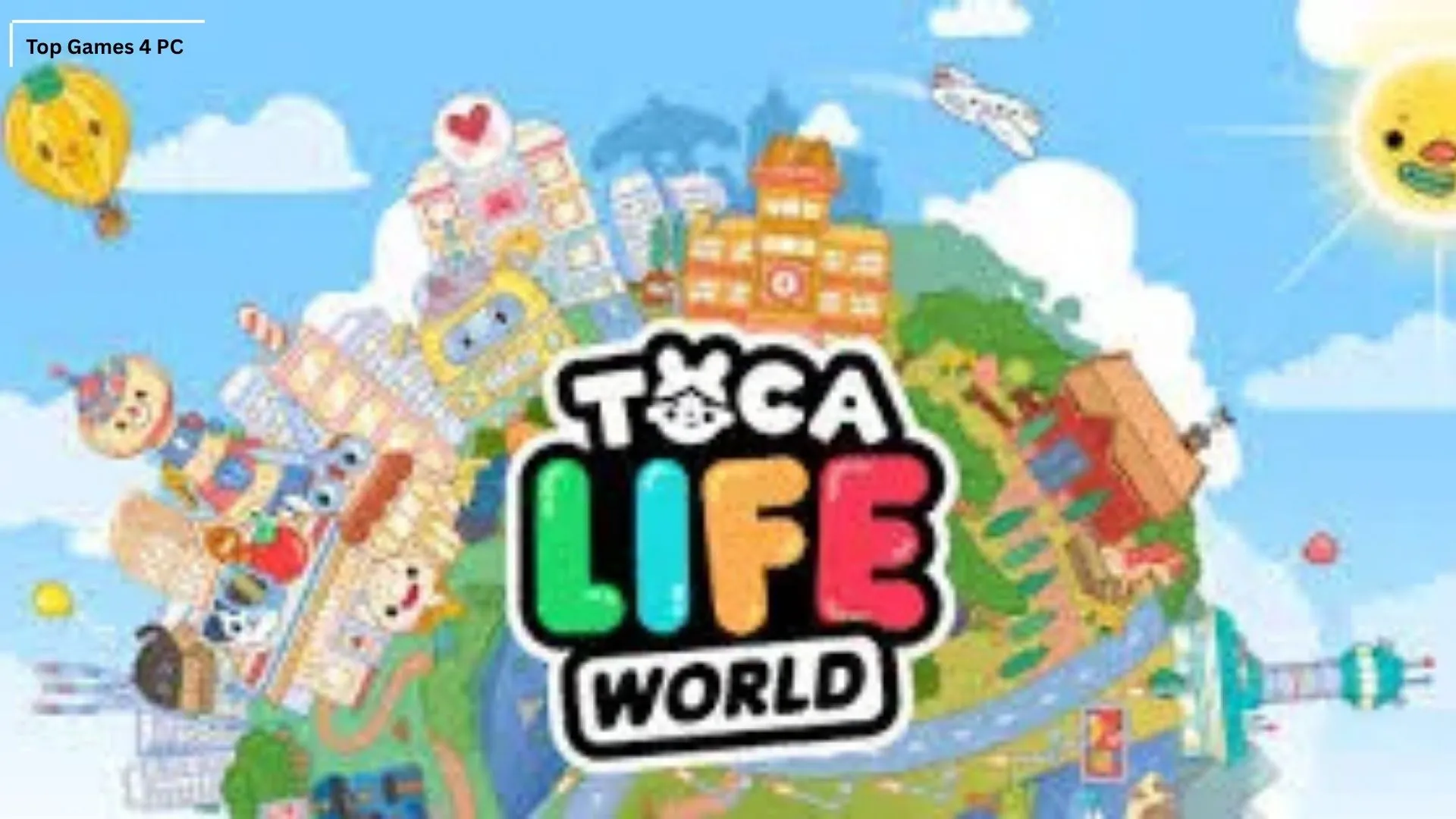
If you’ve ever dreamed of building your own world, filled with endless adventures, quirky characters, and limitless creativity, Toca Life World PC is your perfect playground. Developed by Toca Boca, this educational simulation game allows players especially children and creative adults to design, explore, and tell their own stories in a virtual world that’s both imaginative and fun.
Since its release, Toca Life World has become a global phenomenon, boasting millions of downloads across platforms. Its sandbox gameplay style encourages learning through play, making it one of the most popular educational games worldwide. From creating unique characters to decorating houses or running your own salon, every action in Toca Life World sparks imagination and curiosity.
Now, with Toca Life World on PC, players can experience the same magical gameplay on a larger screen with smoother performance and enhanced controls. Whether you’re an educator, a young gamer, or a creative storyteller, this PC version transforms your experience into something truly immersive. So, if you’re ready to expand your creative universe, go ahead and download Toca Life World for PC a world of fun and learning awaits!

Key Features
1. A Unified Toca Universe
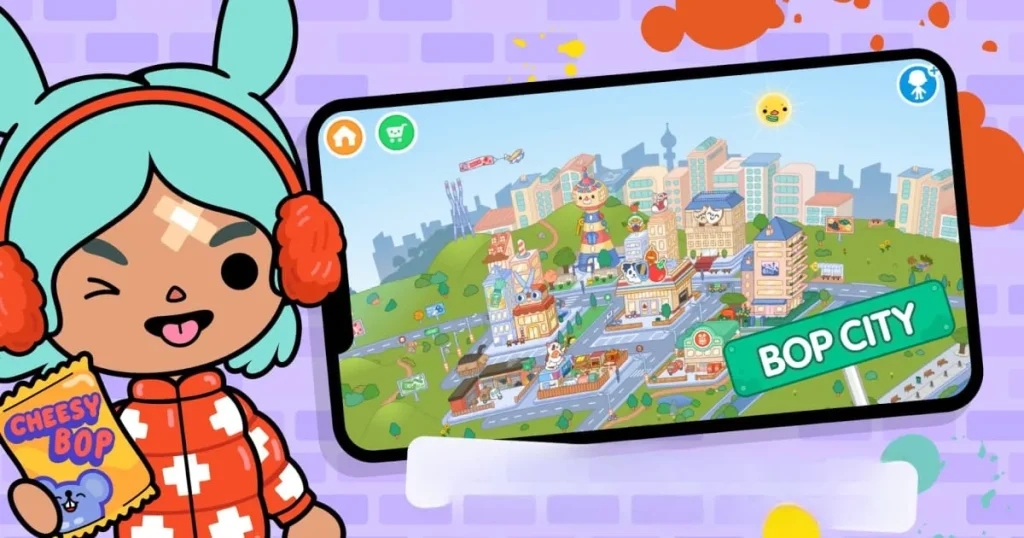
Toca Life World PC brings together all your favorite Toca Life apps like City, Hospital, and Vacation into one seamless world. Instead of switching between multiple apps, players can now explore everything in one place, unlocking a cohesive experience that promotes creativity and exploration.
2. Create Your Own Stories
This game is all about imagination. Players can create endless stories with hundreds of characters, pets, and interactive locations. Want to run a bakery, explore a haunted house, or go on a beach trip? The possibilities are endless. Every player becomes the director of their own adventure.
3. Interactive and Educational Gameplay
Toca Life World PC is an educational simulation game. It encourages children to think critically, plan scenarios, and engage in role-playing. This blend of fun and learning helps build communication, storytelling, and decision-making skills all through play.
4. Vast Collection of Characters
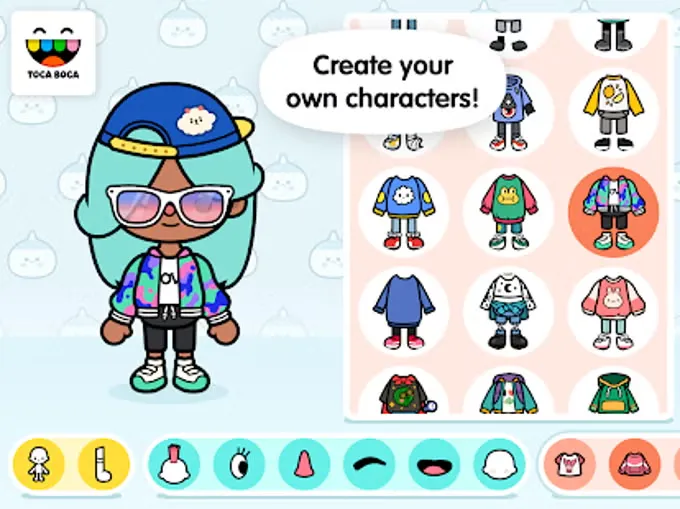
The game features over 500 unique characters, each with customizable looks, outfits, and personalities. You can mix and match hairstyles, clothes, and accessories to make each one your own. The diversity of characters promotes inclusivity and creativity.
5. Hundreds of Locations to Explore
From shopping malls to hair salons, schools, parks, and even pet shops Toca Life World has something for everyone. Each new location unlocks new interactions and role-play opportunities, expanding the world in fun and surprising ways.
6. Home Decoration and Customization
Design your dream home! Furnish apartments, decorate rooms, or build entire neighborhoods. With the PC version, decorating becomes even easier thanks to precise mouse control and a bigger screen for detailed creativity.
7. Regular Updates and New Content
Toca Boca keeps things fresh by adding new areas, accessories, and seasonal events every month. This ensures there’s always something new to discover, keeping players engaged for the long run.
8. Safe and Ad-Free Environment
Parents can rest easy knowing Toca Life World PC offers a safe, ad-free space. There’s no online chat or external links, meaning kids can play freely without risk. It’s one of the safest educational games available today.

9. Offline Accessibility
You don’t need an internet connection to play! Once installed, most features are available offline. It’s perfect for travel, classrooms, or simply when you want to unplug and enjoy creative play.
10. Cross-Platform Compatibility
Your progress doesn’t stay stuck on one device. With Toca Life World PC, players can sync data across platforms meaning you can start on mobile and continue your world-building on your computer anytime.
How to Download Toca Life World on PC
- Click the Download button on this page to safely get the latest PC build.
- Choose your platform (Windows recommended; Mac/Linux may also be available if listed).
- When prompted, Save the file to an easy location (e.g., Downloads or Desktop).
- If the file is a .zip (or .rar), right-click it and select Extract All… to a new folder.
- Open the extracted folder and double-click
Toca Life World PC.exeto launch. - If Windows SmartScreen appears, click More info → Run anyway (only proceed if you downloaded from the button on this page).
- Optional: right-click the .exe and choose Create shortcut to pin it to Start/Desktop.
- In Options/Settings, set fullscreen/windowed, audio levels, and keybinds (WASD/Arrows).
- For future updates, return to this page and click the Download button again, then replace your old game folder with the new one.
System Requirements
| Component | Minimum Requirements | Recommended Requirements |
|---|---|---|
| OS | Windows 7/8/10/11 (64-bit) | Windows 10/11 (64-bit) |
| Processor | Intel Core i3 or AMD Equivalent | Intel Core i5 or better |
| RAM | 4 GB | 8 GB |
| Graphics | Intel HD Graphics 4000 | NVIDIA GeForce GTX 660 or better |
| Storage | 2 GB free space | 4 GB free space |
| Internet | Required for updates | Broadband recommended |
How to Play Toca Life World on PC
Playing Toca Life World PC is incredibly intuitive. Once you launch the game, you’ll enter an open-world ePlaying Toca Life World on PC is simple, intuitive, and designed to maximize creativity. After launching the game, players are greeted with a colorful world filled with multiple locations such as homes, schools, and shops. Using the mouse, you can drag and drop characters, move items, and interact with objects in your environment. Everything in the world is touch-based on mobile, but on PC, the mouse and keyboard combination gives you greater precision and control over every movement.
As you explore, you can create unique stories, decorate rooms, and customize characters with outfits and accessories. Want to run a restaurant or design a pet shop? Just place your characters, pick props, and start playing! The PC version of Toca Life World offers smoother performance, faster navigation, and vivid graphics, making it easier to build, imagine, and play your way without limits or interruptions.
Why Play Toca Life World on PC?
Playing Toca Life World PC version enhances every part of the experience. The larger screen and higher resolution allow you to enjoy every detail of your colorful world, while the keyboard and mouse controls make gameplay faster and more accurate. You can easily manage multiple locations, design spaces, or switch between scenes without any lag.
Another major advantage of playing Toca Life World on computer is convenience. You’ll never worry about battery drain, phone storage, or app crashes. Plus, with cross-platform progress syncing, you can pick up where you left off on any device. Whether you’re multitasking, recording gameplay, or just enjoying the stunning visuals, the PC version offers the ultimate way to experience Toca Life World.
FAQs
Conclusion
Toca Life World PC transforms creativity into an immersive, educational experience. With its open-world design, detailed customization, and safe gameplay environment, it’s perfect for players of all ages. The PC version offers better graphics, smoother performance, and complete creative freedom ideal for storytelling and exploration. Click the download button on this page to safely install Toca Life World for PC and start building your world of endless imagination today!